
AI Resume Writer: How AI Builds an ATS-Ready Resume in Minutes
An AI resume writer is software that uses generative AI — OpenAI’s GPT / ChatGPT and similar models — to draft, rewrite, and format a professional résumé in minutes. Instead of staring at a blank page, you feed it your job history and a target job description, and it turns raw experience into tailored, ATS-ready bullet points and a professional summary.
An AI resume writer helps you write and improve your resume — it does not guarantee a job or an interview. You stay the author. Every generated line should be checked against your real experience before you send the document anywhere.

What Is an AI Resume Writer?
An AI resume writer sits at the intersection of three older categories of tools. It uses a large language model to actually compose text, not just hold it, which is what separates it from a plain template or a drag-and-drop builder.
AI resume writer vs. AI resume builder vs. a template
A plain template is an empty form — a layout with placeholder text you fill in by hand. An AI resume builder adds structure and formatting tools, letting you drag sections around and pick fonts. An AI resume writer goes further: it generates the actual wording — bullet points, summaries, skill lists — using an LLM rather than leaving that work entirely to you.
In practice, most commercial tools blend all three. Terms like AI resume builder, AI resume maker, AI resume generator, and AI-powered resume builder are used almost interchangeably across the industry, and a ChatGPT-powered resume writer is simply one built directly on OpenAI’s models.
How the AI actually works
Under the hood, most AI resume writers are built on large language models, most commonly OpenAI GPT or ChatGPT. Kickresume, for example, runs a version fine-tuned from OpenAI’s GPT-4.1 specifically on resumes and job ads. Enhancv, Canva’s Magic Write, ResumeBuild, and Teal likewise build their generation features on top of OpenAI or ChatGPT.
The model takes two inputs — your work history and a job description — and produces achievement-focused language: action verbs, measurable outcomes, and phrasing that mirrors the vocabulary of the target role.

Key Features of an AI Resume Writer
| Feature | What it does |
|---|---|
| Bullet point generator | Rewrites duties into measurable achievements |
| Resume summary generator | Drafts a 2-3 sentence profile summary |
| Keyword optimization | Matches resume text to a job description |
| Cover letter generator | Produces a matching cover letter |
| Resume templates | ATS-friendly layouts (40-100+ across tools) |
| Resume score / checker | Scores the resume against dozens of criteria |
Bullet points and summary generation. The core job of the AI is writing and rewriting the pieces recruiters read first — the experience bullets and the professional summary. A bullet point generator turns something like “responsible for sales” into a measurable achievement with a number attached. A resume summary generator condenses your background into two or three sentences pitched at a specific role.
Keyword optimization and job-description tailoring. The AI compares your draft against a pasted job description and flags or adds keywords and skills you’re missing. Enhancv, for instance, markets tailoring a resume to a specific posting in under 30 seconds. This keyword matching is also the mechanism behind ATS compatibility, covered in the next section.
Cover letters, templates, and export. Most tools bundle a cover letter generator, a library of ATS-friendly templates, and export to PDF, Word, or DOCX. Kickresume offers 40-plus resume templates and 40-plus cover letter templates; Teal offers over 100 free templates. Beyond the core writing features, the more complete AI resume writer tools typically also include:
- LinkedIn profile import to pre-fill work history
- Job description tailoring for each application
- AI mock interview practice
- Multiple export formats (PDF, Word, DOCX)
Resume score / ATS checker. A built-in checker scores the finished resume and suggests fixes. Rezi’s score evaluates 23 metrics; MyPerfectResume’s checker scans for 30-plus common issues; Teal’s analysis covers 15-plus factors.
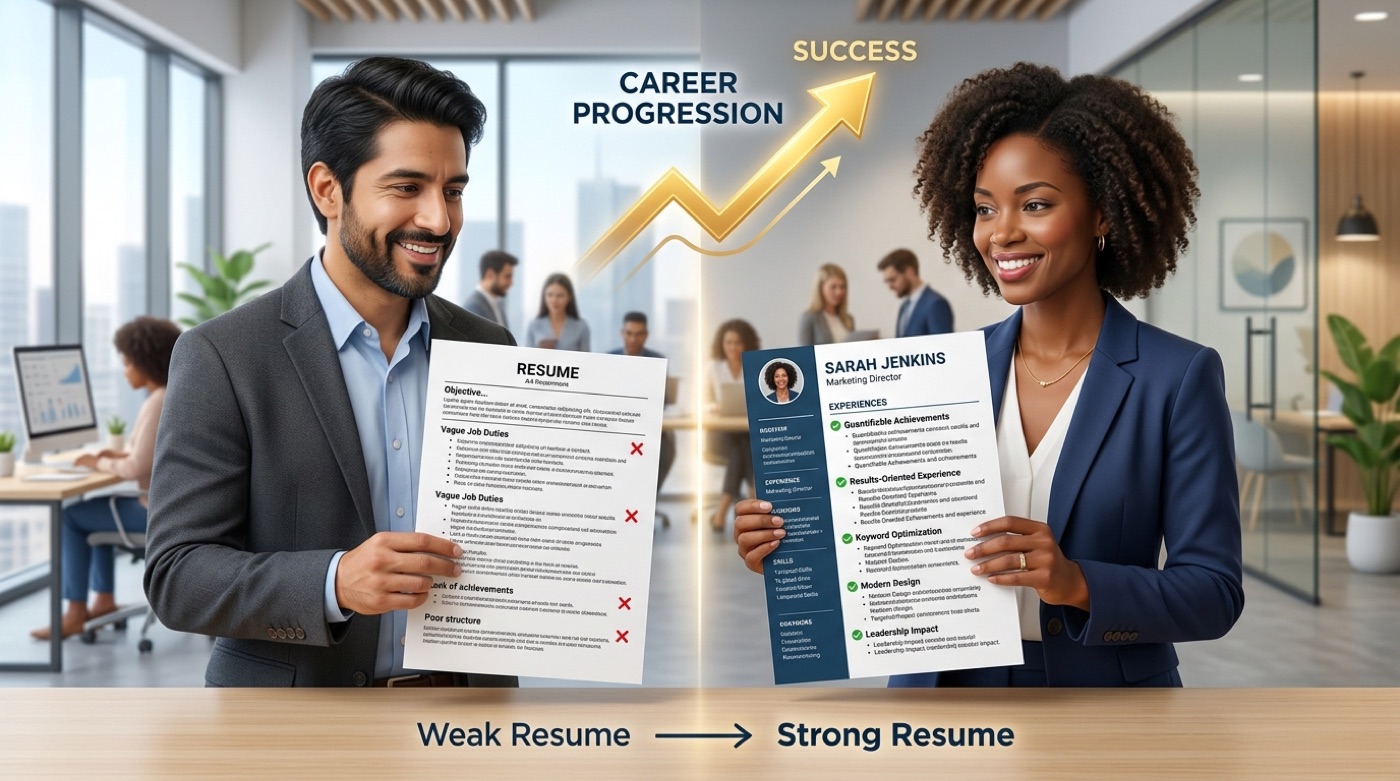
How an AI Resume Writer Helps You Pass the ATS
An Applicant Tracking System (ATS) is software that parses and ranks resumes by keyword match before a human recruiter ever opens the file. Around 75% of recruiters use one — and nearly all large enterprises do — so when a resume does make it to a person, they typically spend only six to seven seconds on the first read.
What an ATS is and why it matters
An ATS scans the text of a resume, extracts fields like job titles, dates, and skills, and ranks candidates by how closely those fields match the posting. A resume with an unusual layout, embedded tables, or missing standard section headers can be misread or dropped before anyone sees it, regardless of the candidate’s actual qualifications.
How AI makes a resume ATS-friendly
An AI resume writer pulls keywords directly from the job description, applies a clean single-column structure, uses standard section headers, and outputs a machine-readable file. Enhancv reports that its 15 ATS-tested templates parse correctly more than 90% of the time on parsing engines like Sovren and RChilli.
That said, “ATS-friendly” is not a guarantee of anything past the parsing stage — the resume still has to be read and judged by a person once it clears the system.
A resume is generally considered ATS-friendly when it has:
- A single-column layout without text boxes or embedded tables
- Standard section headers (“Experience,” “Education,” “Skills”)
- Keywords pulled directly from the job posting
- A plain, machine-readable font
- Export as a standard PDF or DOCX file, not an image
Is It OK (and Safe) to Use an AI Resume Writer?
Using AI to help write a resume is common and broadly accepted — closer to a smart spell-checker than to cheating. The distinction that matters is what happens after the AI generates a draft.
Yes — if you review and personalize it
An AI resume writer is an assistant, not a substitute for judgment. You remain the author of the document: check every number, date, and claim against reality, and add the specific details only you know — the actual client name, the real percentage improvement, the tool you personally used. Enhancv frames this distinction as “real AI feedback” versus “generic AI-generated” content; unedited AI output tends to read as generic precisely because it’s missing those personal specifics. Never let the tool invent experience, titles, or certifications you don’t have. Before you send a generated resume anywhere, check that:
- Every employer, title, and date matches your actual history
- Every metric or percentage is one you can explain if asked
- Skills listed are ones you can genuinely demonstrate
- The tone still sounds like you, not a generic template
Will employers know? Honesty and limits
An employer can rarely prove a resume was AI-assisted, and in most cases it isn’t a problem if the content is truthful and reflects the candidate accurately. The disclaimer that matters more than detection: an AI resume writer helps you write and improve a resume and pass automated screening — it does not guarantee an interview or a job offer. The outcome still depends on your actual experience, the state of the job market, and the recruiter’s decision.
As Peter Drucker put it,
Efficiency is doing things right; effectiveness is doing the right things.
Peter Drucker
An AI resume writer makes the writing more efficient, but effectiveness — telling the right story about your real experience — is still the candidate’s responsibility. For complex career situations, a human specialist such as a Certified Professional Resume Writer (CPRW) can add judgment that a generator can’t.

Free vs. Paid AI Resume Writers
Pricing varies widely across tools, but the pattern is consistent: free tiers cover basic drafting, paid tiers unlock export and unlimited generation.
| Tool | Free tier | Paid tier |
|---|---|---|
| Rezi | $0, 1 resume, 3 PDF exports | Pro $29/mo, Lifetime $149 |
| ResumeBuild | Free basic builder | Pro $29/mo, Lifetime $129 |
| Kickresume | Limited free use | Premium from $7/mo |
| Teal | Free basic builder | Teal+ from $13/week ($29/mo, $79/quarter) |
What you usually get for free
Free tiers typically allow a basic build with limited AI generations and restricted export — often plain TXT rather than a formatted file. Teal and Resume-Now, among others, let you build a resume at no cost with a basic download option. A typical free tier includes:
- One active resume
- A limited number of AI-generated rewrites
- Basic templates only
- Export restricted to TXT or a watermarked PDF
When paid is worth it
Paid plans generally unlock unlimited AI rewrites, PDF and Word export, premium templates, and the full ATS checker. As a rough price guide: Rezi’s Pro plan runs $29/month (or $149 lifetime), ResumeBuild’s Pro plan is also $29/month ($129 lifetime), and Kickresume’s premium tier starts around $7/month. For context on where that spending fits into a job search, the U.S. Bureau of Labor Statistics tracks median pay and outlook by occupation, which is useful when deciding how a role you’re targeting compares to your current one.

How to Use an AI Resume Writer: Step by Step
- Import your background. Upload an existing resume (PDF, Word, or plain text), import your LinkedIn profile, or start from scratch.
- Paste the target job description. This is what the AI uses to tailor keywords and phrasing.
- Generate a draft. Let the AI produce a summary, bullet points, and a first pass at keyword matching.
- Review and edit every line. Verify accuracy, add personal specifics, and remove anything generic or inflated.
- Run the ATS checker and export. Fix any flagged issues, then export to PDF or Word (or Google Drive, where supported).
Many tools extend this workflow with a cover letter generator and even an AI mock interview feature to help you prepare once the resume is out the door.
Frequently Asked Questions
- What is an AI resume writer?
Software that uses generative AI — usually OpenAI GPT or ChatGPT — to write, rewrite, and format a resume for a specific job in minutes. It’s an assistant, not a replacement for your own judgment.
- Is it OK to use AI to write your resume?
Yes — it’s a common and accepted practice, as long as you fact-check and personalize the output. AI can improve the wording, but the content still needs to be truthful and yours.
- What is the best AI to write a resume?
There’s no single best tool; most rely on OpenAI’s GPT models under the hood and differ mainly in templates, scoring features, and pricing. Compare free tiers and export limits before committing to a paid plan.
- Can AI resume builders pass ATS?
They significantly improve your odds by matching job-description keywords and using machine-readable templates — Enhancv reports 90%+ parsing accuracy on its ATS-tested templates. But being ATS-friendly is not a guarantee; a human still makes the final call.
- Are AI resume writers free?
Some offer free tiers (Teal, Resume-Now), but full PDF or Word export and unlimited AI features are usually gated behind paid plans starting around $7-29 a month.
- Will employers know if I used AI on my resume?
Usually not, and it isn’t an issue if the resume truthfully reflects your experience. Avoid leaving obviously generic AI phrasing unedited — personalize it.